How to find a Portsmouth or Scioto County crash report

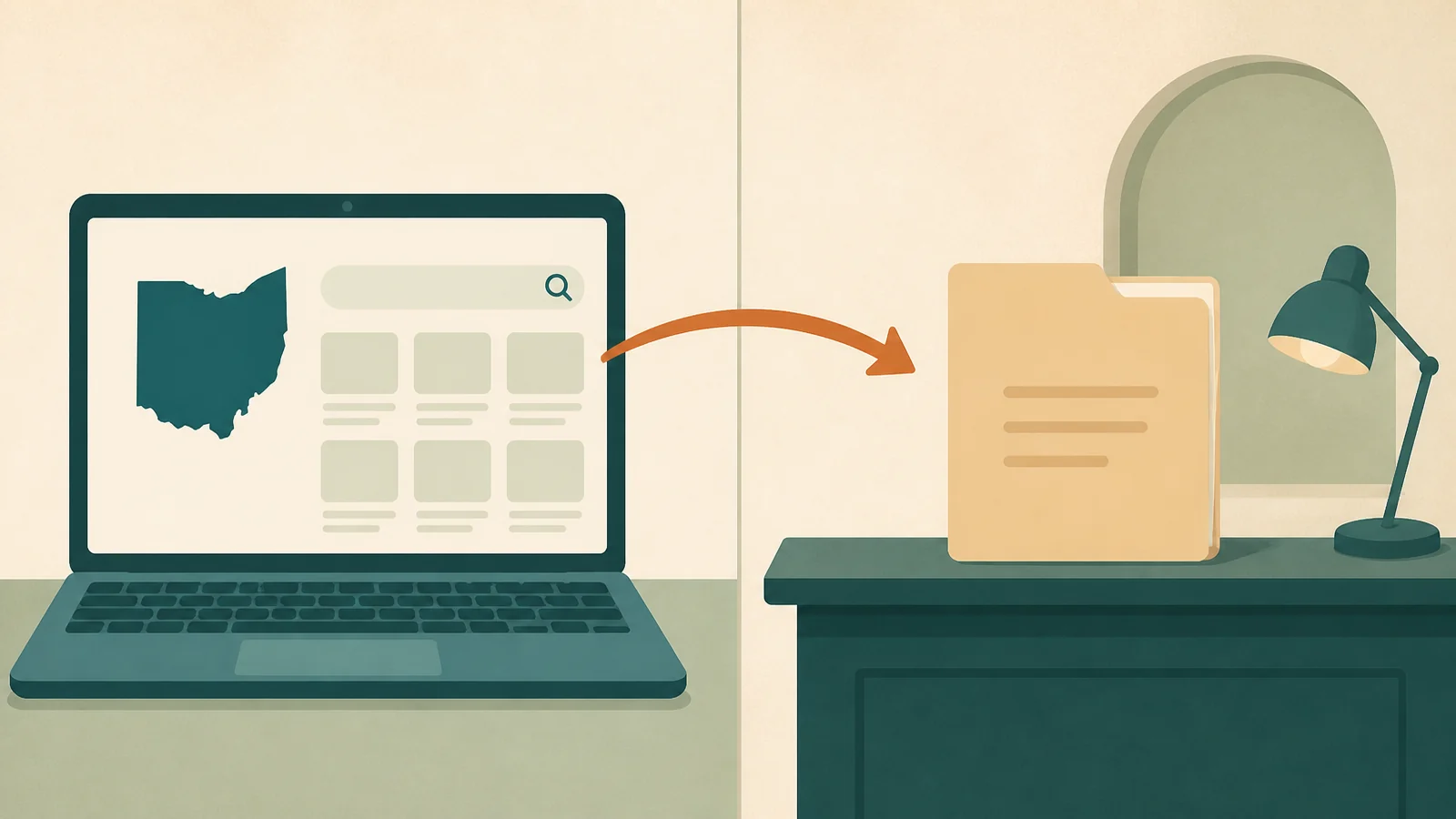
Search the statewide Ohio crash tool
Open the Ohio Department of Public Safety Crash Retrieval portal(opens in a new tab). Follow its current search prompts. Useful details may include:
- Crash date.
- County.
- Name of an involved person.
- Report or document number.
- Responding agency.
The site is an official state resource. Do not pay an unrelated third-party report site unless you know what it is selling.
The state search copy and the official report are not the same thing
Ohio’s Crash Retrieval site(opens in a new tab) is useful for finding a crash. The Ohio Department of Public Safety says the reports shown there are not official documents and are provided for statistical use.
ODPS also says the investigating agency is the official record keeper. If you need the official report, the diagram, or supplemental information, contact the agency that investigated the crash.
Use this local decision path:
- Portsmouth Police handled the crash: use the official Portsmouth Police Department page(opens in a new tab) or the City of Portsmouth public-records process(opens in a new tab).
- Scioto County Sheriff’s Office handled the crash: use the Sheriff’s official public-records policy and records process(opens in a new tab).
- Ohio State Highway Patrol or another Ohio agency handled the crash: use the statewide search(opens in a new tab) to help identify the record, then contact the investigating agency for the official copy.
The clinic’s Portsmouth address does not determine who keeps the report. The crash location and investigating agency do.
If Portsmouth police responded to the crash
The official Portsmouth Police Department page(opens in a new tab) has current department contact information. The city also publishes a public-records request page(opens in a new tab).
Contact whoever responded — a sheriff's office, the Highway Patrol, or a different city's department. If you kept the badge number or the card an officer handed you, that usually settles it; otherwise the crash location will.
What a crash report usually contains
A report may list the drivers, vehicles, place, and time. It may include road and insurance details, a diagram, tickets, and an officer's account. Fields vary by agency and event.
Read the document rather than relying on a one-line summary. If a fact looks wrong, ask the agency about its correction or supplemental process.
What a crash report does not replace
A crash report is not:
- An emergency or medical assessment.
- A chiropractic record.
- An insurer's coverage decision.
- A legal opinion.
- A repair estimate.
Keep the report with the other records, but send health documents only through authorized channels.
Still not sure which agency has your report?
Call (740) 876-8394 and say where the crash happened. The office can point you at the right starting place — and if what you actually need is an appointment, you don't need the report number to ask for one. Prefer to be called back? Request a callback for scheduling basics.
Frequently asked questions
Terms such as reporting agency, jurisdiction, and report number are defined in the accident care glossary.
Once the report question is handled, the car accident care guide covers the health-care visit itself.
Related guides
What to do after a crash
Follow a Portsmouth-focused checklist for safety, information exchange, photographs, reports, insurance calls, and health records.
Read the guideInsurance and MedPay
Review the differences among liability coverage, MedPay, and uninsured or underinsured motorist coverage, with links to Ohio consumer resources.
Read the guideFor attorneys
Review the office process for authorized record requests, narrative requests, billing instructions, and staff communication.
Read the guideAccident care glossary
Look up plain-language definitions for crash reports, symptoms, visits, insurance, MedPay, referrals, billing, and records.
Read the guide
Sources and further reading
- Ohio Crash Report Search(opens in a new tab) — The Ohio Department of Public Safety provides the statewide search for crash reports filed by Ohio law enforcement agencies.
- Portsmouth Police Department(opens in a new tab) — The City of Portsmouth publishes department contact information and current guidance for non-emergency police matters.
- City of Portsmouth public records request(opens in a new tab) — How to ask the city for a copy of a public record.
- Scioto County Sheriff’s Office public records(opens in a new tab) — The Scioto County Sheriff’s Office explains how public-records requests are handled and how to identify the records being requested.