Passenger and rideshare accident records
Published by Portsmouth Accident & Injury Center.
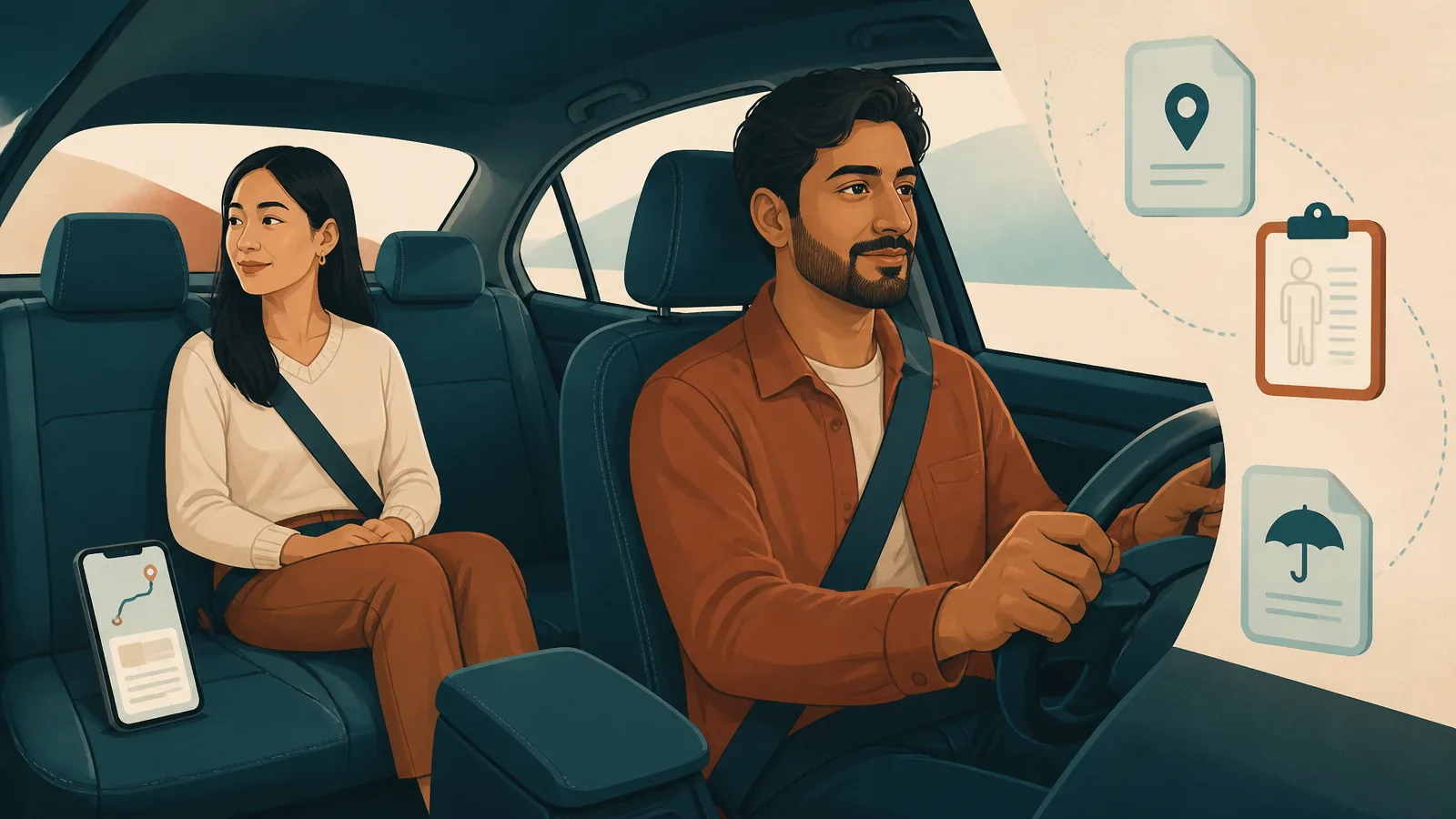
Same crash, different role, different records
A driver usually knows the vehicle, insurer, and where the car is going after the collision. A passenger may know none of that. In a rideshare trip, the passenger may not know the driver before getting into the vehicle. The passenger may not own either vehicle, and the trip details may be stored mainly inside an app.
That changes the paperwork problem. It does not decide fault, coverage, or injury. It simply means the passenger should save the facts that may otherwise disappear from easy view later.
Save the trip record while it is easy to find
For a rideshare or app-arranged trip, save the trip screen, date, and approximate time. Also save the pickup and destination shown in the app, driver name as displayed, vehicle description, plate if visible, and any electronic receipt or trip identifier.
Do not crop so tightly that the context disappears. A screenshot showing only a fare amount is less useful than one that still shows which trip it belongs to. If the app offers a receipt or export, save that too.
For an ordinary passenger ride, write down the driver’s name, the vehicle, the approximate route, and where you were seated. You are not reconstructing the crash. You are preserving facts you personally know.
Seat position is clinical context, not proof
Where you were sitting can matter to a health-care history. Front passenger, rear passenger, driver, seat-belt position, body orientation, and whether you remember bracing are pieces of context a clinician may ask about.
Those details do not prove a diagnosis. They also do not decide insurance coverage. “I was sitting behind the front passenger and was belted” is a factual description. “That seating position proves my shoulder injury” goes beyond what the seat position alone can establish. See shoulder and seat-belt symptoms for the health-care side of that question.
Build three contact chains
A passenger record becomes easier to manage when contacts are separated into three chains.
- Trip or vehicle chain: driver, vehicle owner when known, rideshare or platform trip information when applicable, tow or vehicle location if relevant to you.
- Crash-record chain: responding police, sheriff, highway patrol, report number, and official records process.
- Health-care chain: emergency department, medical office, chiropractic office, imaging facility, pharmacy, or other provider actually involved in your care.
An insurance chain may develop too, but do not guess which policy applies. That can depend on the vehicles, drivers, policies, trip status, and facts. Ask the appropriate carrier or qualified legal professional about the specific coverage question.
The crash report still answers only the event-record question
Ohio’s statewide crash search can help locate a record, while the investigating agency remains the official record keeper. The Ohio crash report guide explains the request process, and the state search is Ohio Crash Retrieval(opens in a new tab).
The report may help identify drivers, vehicles, agency, time, location, and other event details. It is not your medical record and should not be treated as one.
Keep the health question separate from the coverage question
A passenger can be tempted to wait until someone identifies “whose insurance” will handle the claim. Emergency and medically appropriate care should not be delayed while coverage administration gets sorted out.
For non-emergency symptoms, accurately describe what changed and what normal activity is harder. Let the health-care provider answer the clinical question. Let the insurer answer the policy question, and read insurance and MedPay after an Ohio crash for the coverage vocabulary.
Save readable screenshots, not a phone full of mysteries
Create one folder for the crash and use plain filenames. Keep full screenshots when the surrounding information identifies the trip or message. If you save a conversation, preserve who the conversation is with and when it occurred.
Avoid 27 screenshots named Screenshot_1847 through Screenshot_1873 with no clue what any of them show. Future you will not enjoy that scavenger hunt.
Keep a role-based contact log
For each important call or message, note the date, organization or person, topic, and next action. A passenger’s log may look different from the driver’s because the passenger may be communicating with a platform, multiple carriers, or providers without controlling the vehicle-repair process.
That difference is okay. Your record should reflect your role, not imitate someone else’s folder.
For the first-day sequence, read what to do after a Portsmouth crash. The one-folder crash-record guide shows how to organize the documents, and the accident symptom guides help sort the health-care side by what changed.
Related reading
Build a one-folder crash record
Organize police, insurance, vehicle, medical, work, expense, and contact records in one practical system.
Read the articleOhio crash reports
Learn where Portsmouth and Scioto County crash reports are filed, how to search for one, and how to read common report fields.
Read the guideInsurance and MedPay
Review the differences among liability coverage, MedPay, and uninsured or underinsured motorist coverage, with links to Ohio consumer resources.
Read the guideShoulder and seat belt injuries
Notice changes in shoulder movement, belt-area soreness, bruising, chest symptoms, and breathing after a crash.
Read the guide